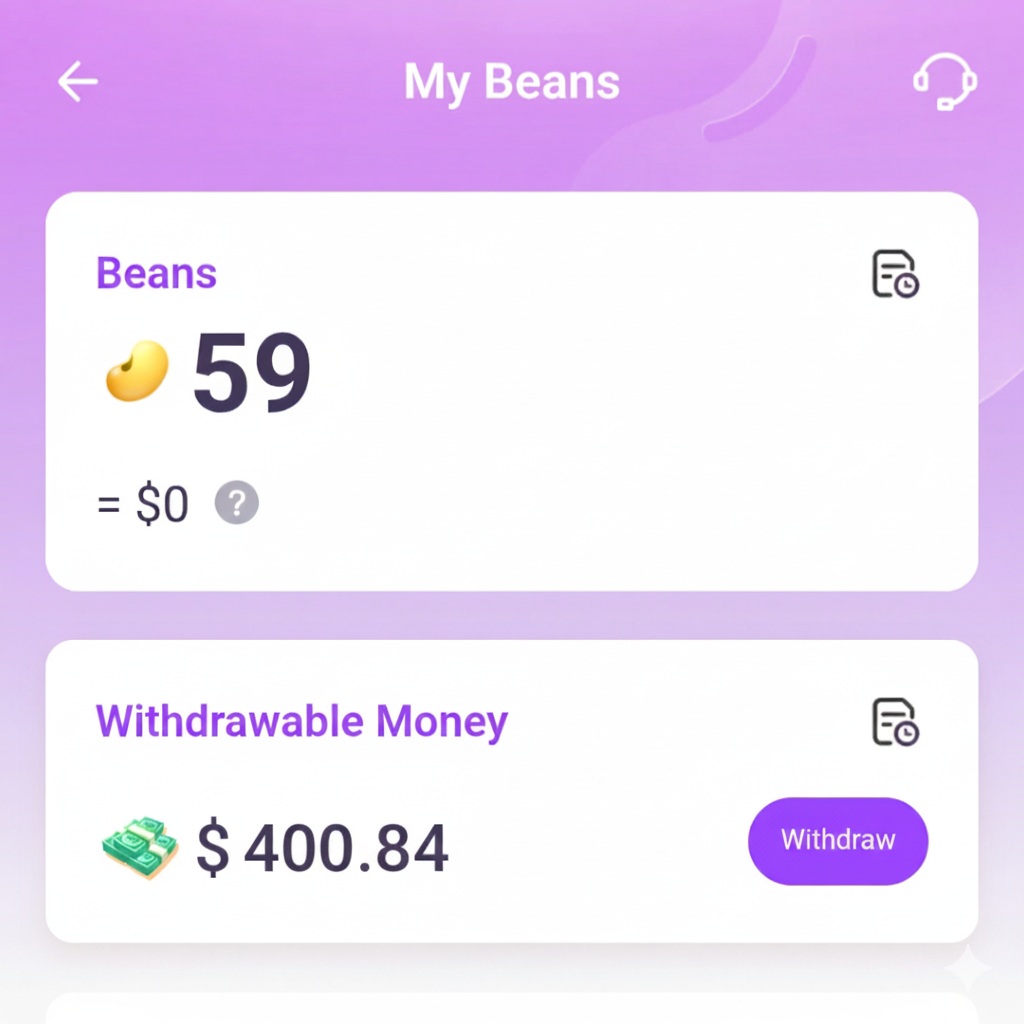
Open your beans section in Chamet
Go to Chamet and then click on "My Beans" in the Chamet profile. Once you click on "Withdraw", Chamet asks you to do Face verification, add mobile number and MetWallet Account. By this time you may have already done your Face verification and binded your phone number.
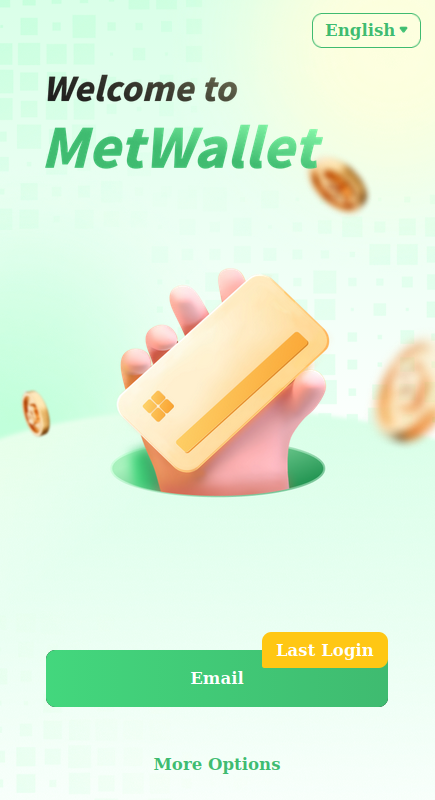
Login to MetWallet through Chamet
Click on MetWallet and Chamet will ask you to login into your MetWallet account. Now you should login using the email that we used to create MetWallet.
Authorize your MetWallet Account
Once you logged in, you will be asked to authorize the MetWallet to make sure you are the real owner of the MetWallet.
DO NOT BIND SOMEONE ELSE'S METWALLET ACCOUNT
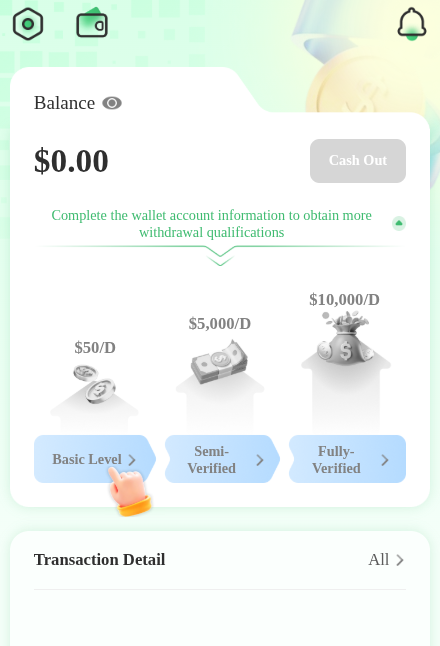
Now you have successfully added your MetWallet Account to Chamet! Kudos!