Host Registration
Step-by-Step Chamet Host Registration
Follow these steps carefully to complete your Chamet host setup without errors.
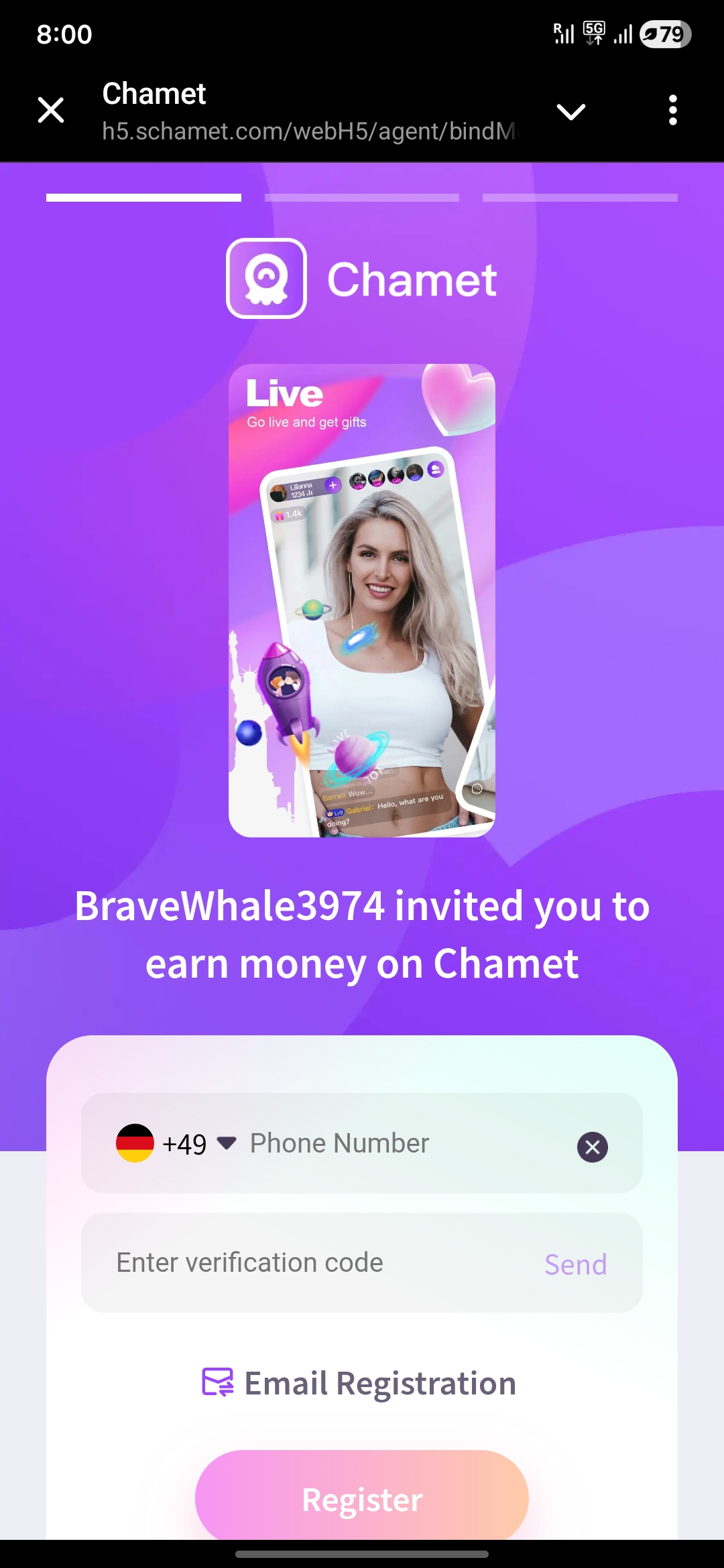
02
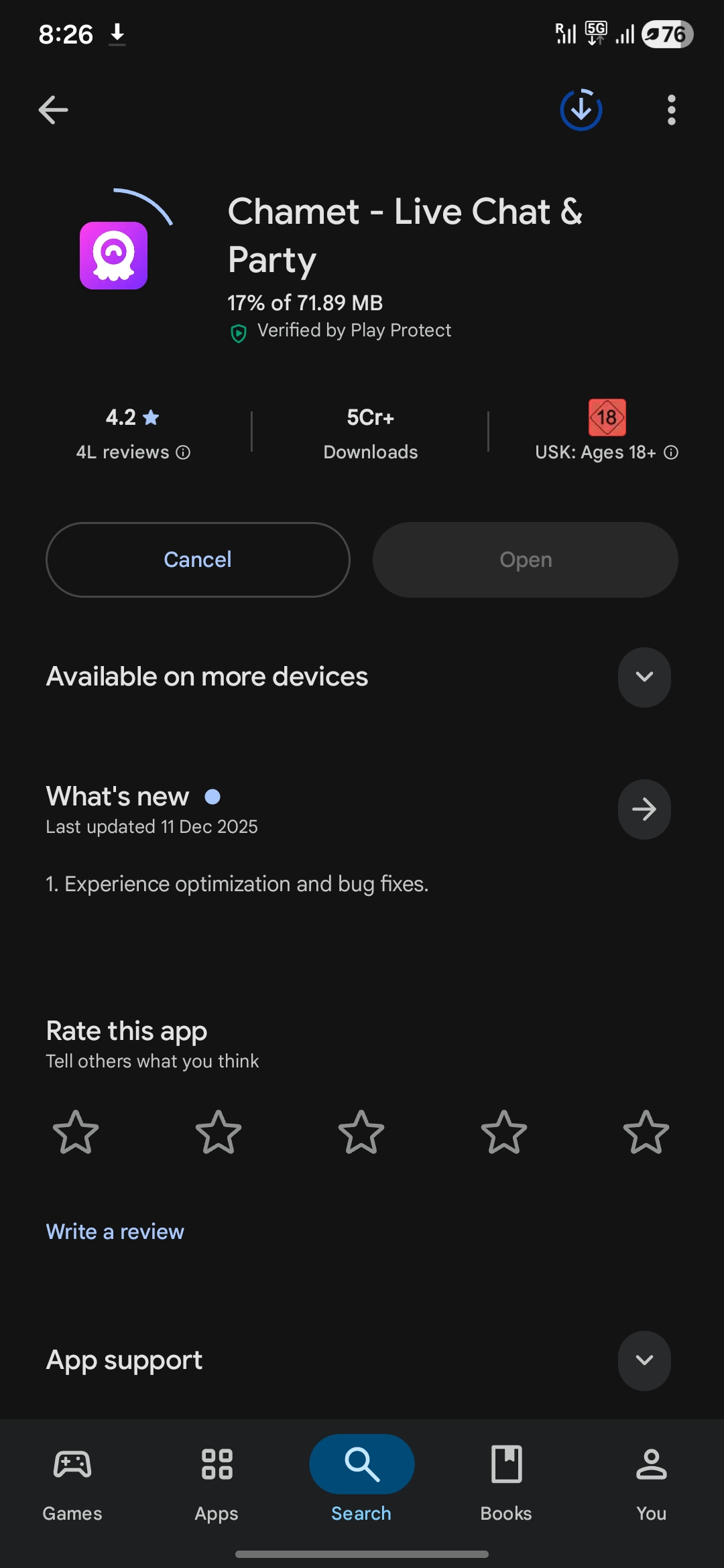
Install the Chamet App
Download and install the Chamet app from the Play Store or Your phone's app-store.
03
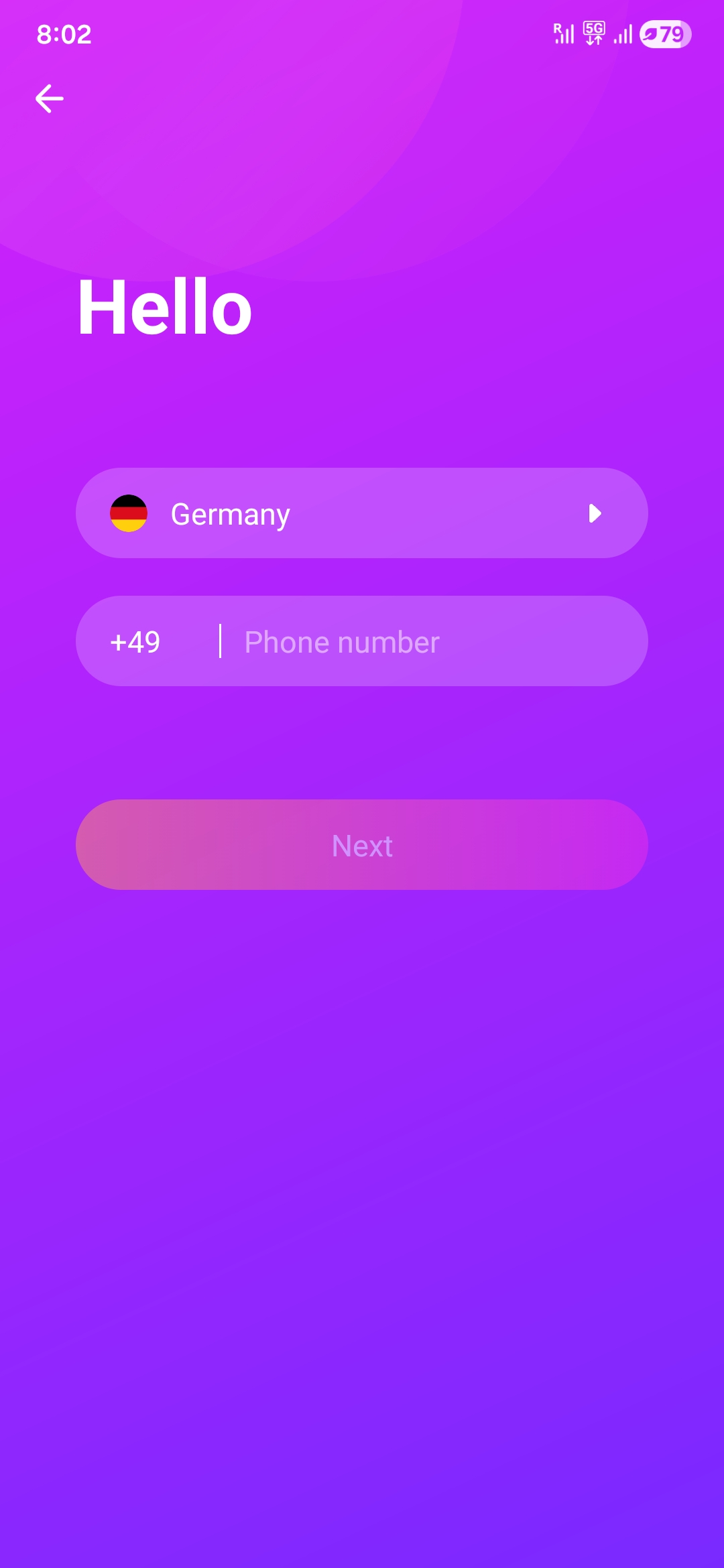
Login Using Registered Details
Log in to the Chamet app using the same phone number or email that was used during registration.
04
Open Chamet Host Dashboard
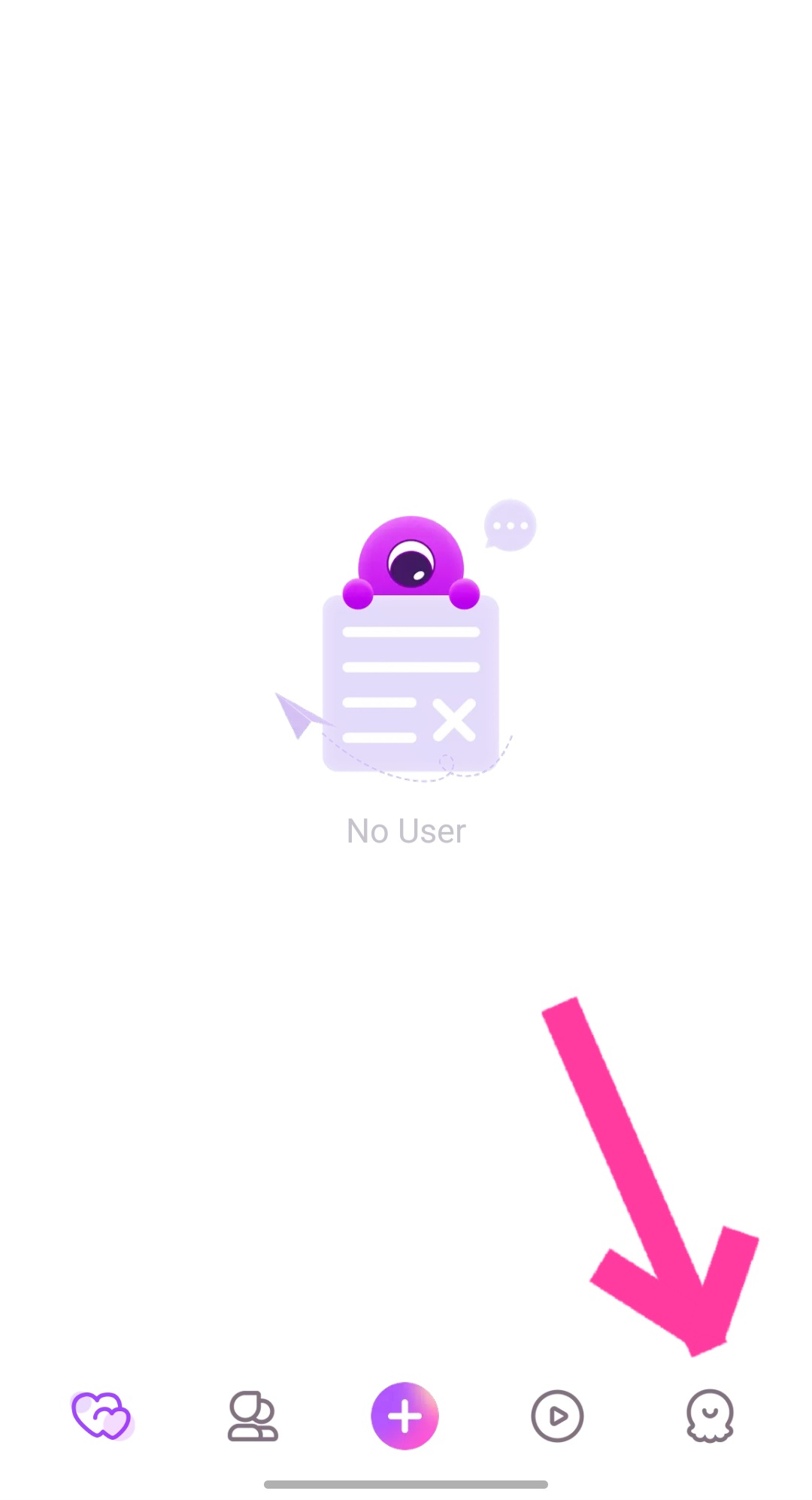
Click the bottom right icon inside the app to open the Chamet Host Dashboard.
05
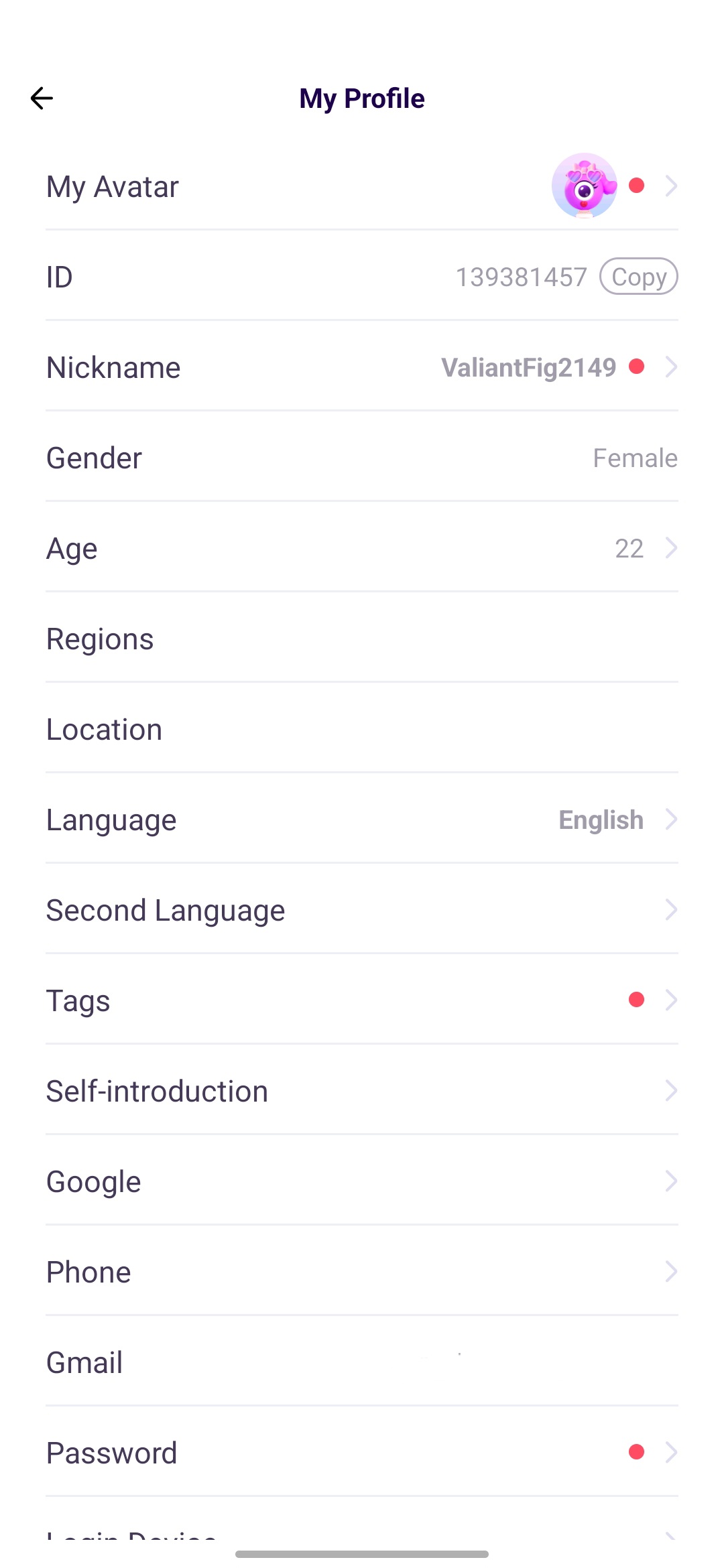
Open “My Profile” Section
Navigate to the My Profile menu and fill in:
• Nickname
• Age
• Region
• Location
• Language
• Second language
• Tags.
06
Complete Face Verification
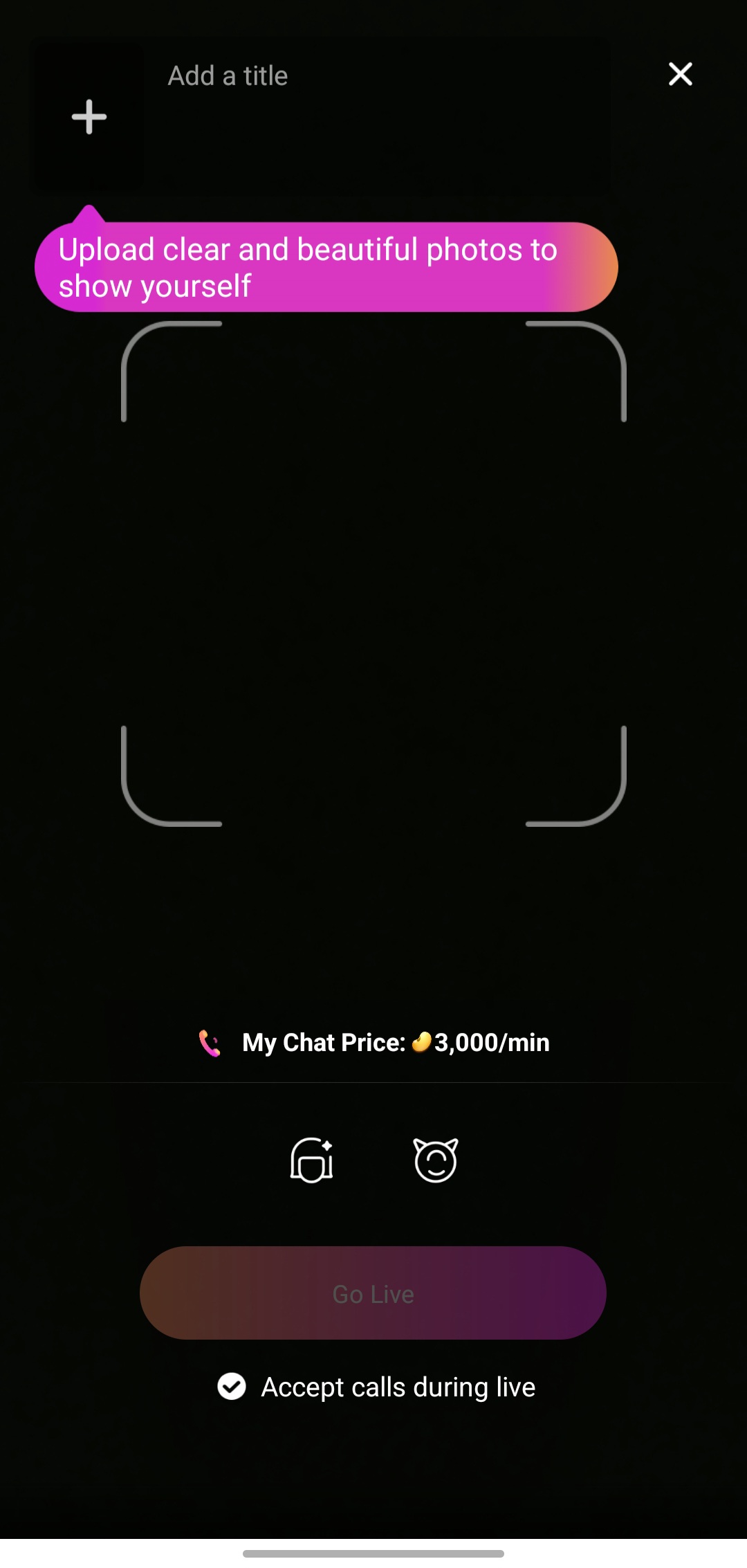
Click on the + icon in the middle and select "Live" to start your first live. Upload your picture and click on "Go live".